
Explore interior trends, AI design insights, styling guides and real transformations
Eight online planners to design a European home in 3D

Why start with a plan: translating ideas into detailed drawings
Whether you live in a compact city apartment, a light-filled loft, or a family home in a historic quarter, getting your ideas down on paper and into a 3D model is the most efficient way to achieve a confident outcome. In Europe, where homes vary from traditional long-rooms to modern open-plan layouts, a precise floor plan and a visualisation can save time, money and headaches for both homeowners and builders. The first step is to measure carefully and draw an accurate plan - lengths and widths in metres, door swings, window positions, and fixed elements such as plumbing or heating runs. Pair this with a glowing 3D view to experiment with furniture placements, lighting schemes, colour balances and material combinations before you commit to a single layout. Today’s online planners make this process accessible to everyone, even if you have no design background. They range from free, entry-level tools that sketch and test ideas, to richer platforms that generate budgets, export drawings, and provide virtual walkthroughs. The goal is to establish a flexible workflow: sketch, refine, price, and finally implement with contractors who understand the plan and can work from exact drawings. Below are eight tools that European homeowners commonly rely on to turn concept into buildable reality. Each tool is described in practical terms, focusing on what it can do for a renovation, a new-build, or a simple rearrangement in small spaces.
1) Free online plan and design planner
A contemporary, no-cost planner that enables you to create technical drawings for builders and to produce a colour-driven interior design plan in 3D. Core capabilities include marking out walls, doors, windows, electrical points, lighting, underfloor heating and wall finishes, as well as spaces for furniture and sanitary fittings. The interface is straightforward, with guided prompts to help you progress from a basic layout to a complete interior design. You can annotate structural changes, indicate where walls will be removed or installed, and specify materials and finishes for each element. Key strengths for European homes:
- Clear, scalable floor plans suitable for small flats and larger apartments.
- Integrated 3D view to test furniture placement and lighting effects.
- Export options for builders - usually PDF or DWG-ready files (depending on the plan).
- Ongoing editing, allowing you to try multiple layouts without cost.
- Basic guidance and prompts that reduce the learning curve for first-time users.
Practical tip: start with a 1:50 or 1:100 scale drawing, then build the model in 3D. This keeps measurements precise and translates well to practical measurements on site.
2) Layered, arch-friendly online room designer
This online planner embraces multi-layer drafting, enabling you to trace over an existing plan and add architectural nuances such as arches, columns, or vaulted ceilings. You can adjust wall thicknesses, tilt floors for unusual layouts, and map non-rectilinear spaces with ease. The 3D mode lets you navigate rooms in a first-person view, helping you understand sightlines and proportions before committing to finishes. What to expect:
- Layer management for different construction stages (demolition, new walls, finishes).
- Flexible object manipulation: resize, recolour, and retexture furniture and architectural elements.
- Arches and column inserts to model historic or stylistic features in European interiors.
- Option to upgrade for advanced texture libraries and collaboration with professionals.
- Exported project files suitable for contractors, plus PDF summaries of plans and sections.
Use-case: ideal for projects where the space has irregular geometry - for example, rooms with sloping ceilings, bay windows, or non-standard room shapes found in many continental flats and townhouses.
3) Material- and price-based design studio
This planner emphasises realistic budgeting by pairing design decisions with current material and labour costs drawn from European suppliers. It creates a live-cost estimate as you select finishes, sanitaryware, fixtures, and fittings. The system can break down costs by trades (electrical, plumbing, carpentry) and produce a consolidated budget, which is essential for early-stage decision making and version control. What it offers:
- Access to up-to-date product data and typical price ranges for a European market.
- Automatic bill of quantities generation for smoother tendering and quotes from builders.
- A timeline view to align budget with the project schedule.
- Notes and references to materials suitable for energy-efficient homes and improved acoustics.
Practical note: while online price data is helpful, obtain formal quotes from licensed trades for the last mile of budgeting. The planner should be used as a budgeting and planning aide, not a substitute for professional advice.
4) Retailer-led kitchen and home planning tool
Major European home retailers offer dedicated online planners to configure kitchens, dining spaces, bathrooms and home offices using the retailer’s own range. These tools guide you through layout decisions, appliance sizes, storage solutions, and finish options, using the retailer’s product catalogue. When you finalise the design, the system calculates a total cost and compiles a shopping list. It can also generate a project QR code for access in-store or online, and two- or three-dimensional design exports for download or printing. Benefits for homeowners:
- Product-consistent planning with direct links to purchase and delivery.
- Built-in budget estimation and a consolidated shopping list.
- 2D and 3D views to test layouts in a real-world furniture ecosystem.
- Option to save and share a project between household members or a design team.
Application tip: choose retailers offering modular systems with fittings that maximise space in compact European homes, such as compact kitchen islands, sliding doors, and integrated storage solutions which optimise the available floor area.
5) Consumer 3D interior design platform
A popular, user-friendly 3D design platform that supports both 2D and 3D work modes. It allows you to experiment with real-world paints, flooring, and furniture while also enabling you to upload personal decor items. The platform shines in rendering quality and provides a gallery of completed projects in different styles, helping you draw inspiration for both colour combinations and material pairings. Key features:
- High-quality render previews and panoramic views to help you assess lighting and texture.
- Extensive material library for walls, floors, fabrics and finishes, with the option to add custom textures.
- Room-by-room editing for fast iteration of schemes across the home.
- Community inspiration and project sharing to spark ideas for small spaces and long layouts common in European cities.
Tip: use the platform’s renderer to test how natural light shifts throughout the day in northern European homes, then refine window treatments and wall colours accordingly.
6) Advanced online 3D modelling and architectural tool
Designed for more experienced designers and serious renovations, this tool supports full 3D modelling, including stairs, electrical systems, plumbing routes, and intricate carpentry. It offers a rich library of furniture, fittings and architectural components, and often includes a connection to external data sources for context-aware modelling. Some platforms integrate satellite imagery or contextual terrain data to help you situate a project within its real site. What you’ll gain:
- Precise control over geometry, materials and structural details for complex repairs or extensions.
- Deep furniture and fixture libraries with parametric controls for flexible design evolution.
- Ability to export detailed construction drawings, schedules and 3D models.
- Support resources and learning materials for mastering the software quickly.
Strategic tip: for ambitious projects, pair this tool with a professional to interpret the technical outputs into practical, buildable plans. This approach helps ensure code compliance and constructability in diverse European settings.
7) Offline desktop interior design software
Some designers prefer a desktop application that works offline, with a full feature set without needing an internet connection. These programs typically offer a substantial catalogue of finishes - wallpapers, laminates, parquet, tiles, paints - plus fixtures, kitchen and bathroom fittings, and décor items. They provide detailed cost estimation and project management tools, with in-app tutorials that walk you through each phase of the design and budgeting process. What to expect:
- Comprehensive material libraries and accurate dimensioning tools for precise floor plans.
- Offline access to tutorials and a structured workflow from concept to costing.
- 3D visualisation and high-resolution renders for client presentations and contractor meetings.
- Single-user or small-team collaboration features suitable for home projects and small studios.
Practical approach: offline software can be ideal for period properties or remote locations where reliable internet is not guaranteed. Always back up work regularly to avoid data loss.
8) Accessible, multi-language online planner for non-native English speakers
Finally, there are planners famed for their intuitive interfaces and multilingual support, making them particularly appealing for European households with diverse language backgrounds. These tools prioritise straightforward navigation, a gentle learning curve, and clear project sharing options. They typically offer a simple path from a rough sketch to a polished 3D model, with the option to export plans and walk through the space in a guided mode. What to look for:
- Multi-language interfaces and clear localised help resources.
- Translation-friendly labels for measurements, materials and construction steps.
- Support for collaboration among family members, tenants, or design professionals.
- Accessible price structures, including generous free tiers and progressive upgrades as needed.
Practical note: when language is a factor, keep a master plan in your preferred language and use the planner’s export options to generate bilingual documentation for the builder and supplier teams.
What to consider when choosing an online planner
With so many options, selecting the right planner depends on your project type, budget and level of expertise. Here are a few practical criteria to guide your decision:
- Project scope: Do you need a simple furniture layout, or a full construction-ready set of drawings with phased budgets?
- Accuracy and export needs: Will your plans be handed to builders or used to obtain permits? Look for formats compatible with local practice, such as PDF, DWG, or DXF exports.
- Material realism vs. flexibility: If budgeting and procurement are critical, prioritise tools with real product data and price tracking. If you mainly test ideas, a comprehensive material library and high-quality visuals may suffice.
- Language and collaboration: European projects often involve other family members, architects, or builders who speak different languages. Multi-language support and easy file sharing matter more than you might think.
- Offline vs online: Consider your connectivity and data security. Offline desktop software can be a robust option for sensitive or high-stakes design work.
Small-space strategies that emerge from planning tools
Across Europe, many homes are compact, but smart planning can unlock generous functionality. When you model small spaces, test these principles in your planner until you’re satisfied with the result:
- Maximise vertical space: tall storage, wall-mounted units, and mezzanine elements for multi-use rooms.
- Strategic circulation: ensure doors, wardrobes and islands allow smooth movement with a minimum of wasted space.
- Light and colour: light neutrals with warmer accents can expand a room visually while maintaining a cosy atmosphere.
- Adequate storage: plan niches, pull-out organisers, and hideaway desks to keep living areas uncluttered.
- Energy-conscious choices: include insulation details, air-tight windows, efficient lighting, and heat-recovery ventilation in the plan to reduce running costs.
From plan to build: turning digital designs into tangible spaces
In Europe, the journey from digital plan to live space typically follows a clear sequence: accurate measurements, a precise floor plan, a definitive layout, a budget, and then procurement and construction. Online planners are powerful when used iteratively: create a feel for proportion and light, refine the layout, compare material options, and finally generate a build-ready package for the contractor. A well-structured plan helps you avoid misinterpretations, delays and costly changes during the build phase. To make the most of these tools, consider a phased workflow:
- Measure and sketch: capture the room sizes, door openings, window placements, and fixed fittings with care.
- Build the base: lay out the walls, doors, and primary zones (kitchen, living, sleeping, work areas).
- Test configurations: try several furniture arrangements and lighting schemes to identify the best balance of function and atmosphere.
- Budget and sourcing: feed your design into a cost-focused planner to understand material costs and potential savings.
- Document and share: export plans and purchasing lists for builders or suppliers, and maintain a revision history for every change.
Final thoughts: choosing the right tool for your project
Every European home project is unique, and the right planning tool should feel like a natural extension of your decision-making process. If you are renovating a compact city apartment, a free online plan and design planner may be enough to experiment with layouts and finish combinations. For more ambitious projects, including extensions or historically sensitive interiors, an advanced 3D modelling tool or a desktop application could provide the control and precision you need. If budgeting and procurement are priorities, a price-aware design studio and a retailer’s planner can bridge the gap between vision and reality, connecting design choices with actual products and costs. Lastly, an accessible, multilingual planner is invaluable when coordinating with family members or collaborators across borders. Experiment with two or three tools in parallel to understand which interface feels most intuitive, which export formats your tradespeople prefer, and which workflow sustains your enthusiasm from first sketch to finished room. With a well-chosen toolset, your dream European home moves from concept to a buildable, beautifully resolved space that reflects your taste, lifestyle and the unique character of your location.
You may also like these articles
 Interior Design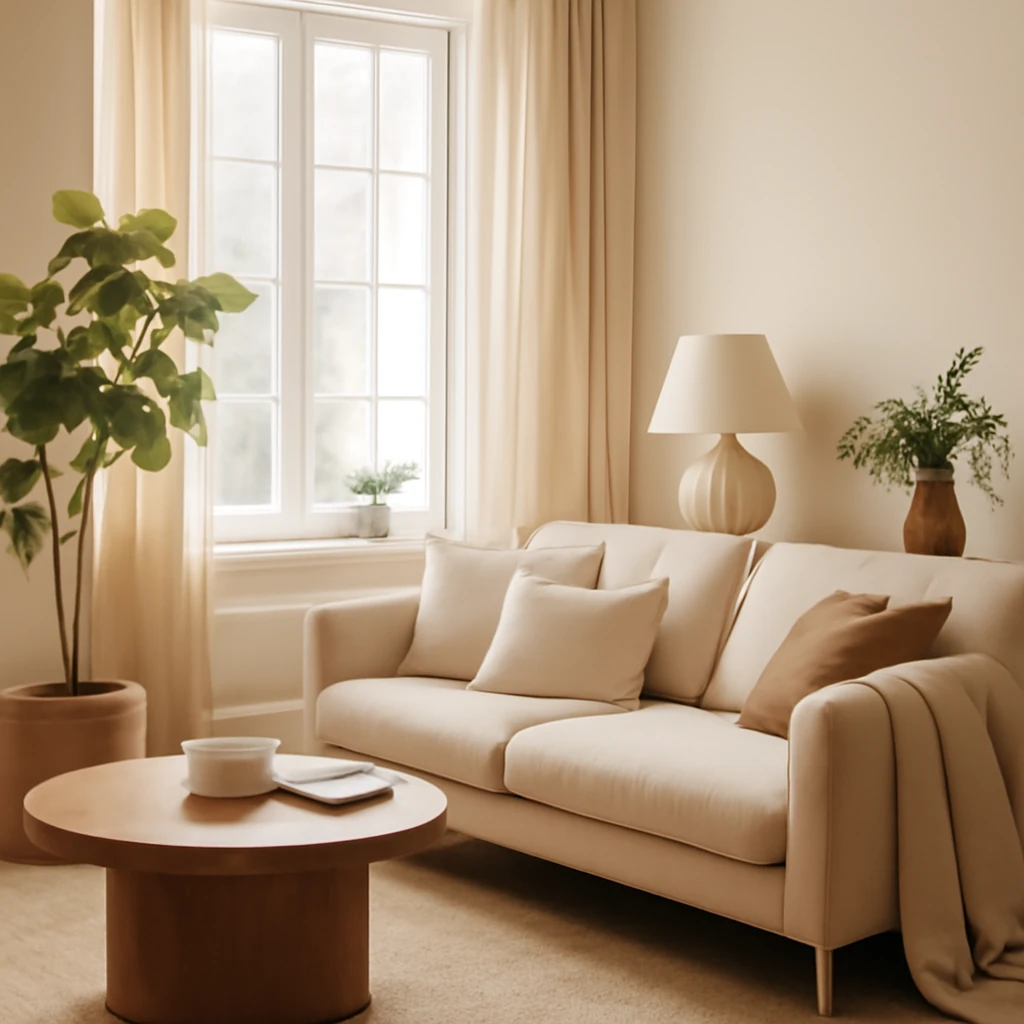
Scandinavian Calm: Minimal Warmth for European Homes
Nordic-inspired interiors for cosy, clutter-free European homes.
 Trends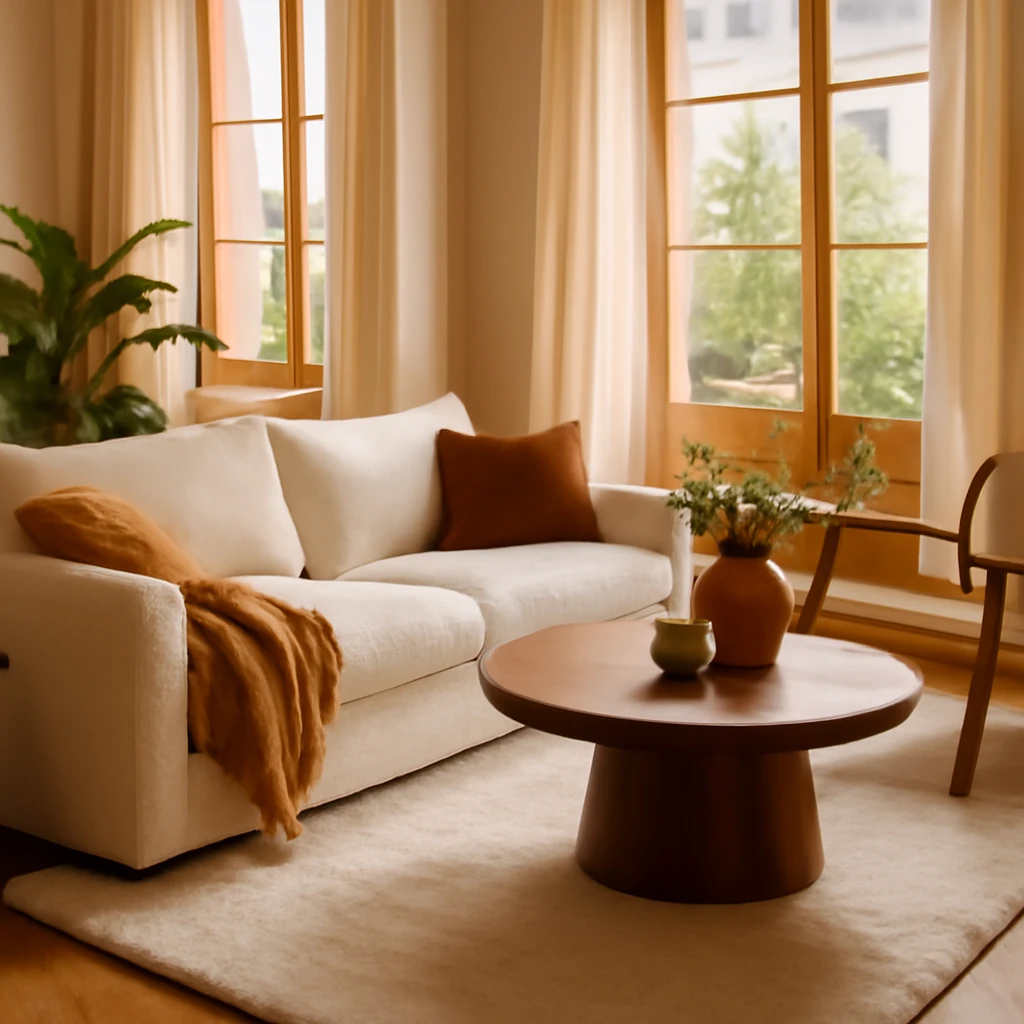
Dopamine Interiors: Designing Joyful, Colourful European Homes
A joyful, colour-rich design trend sweeping European homes.
Interior Design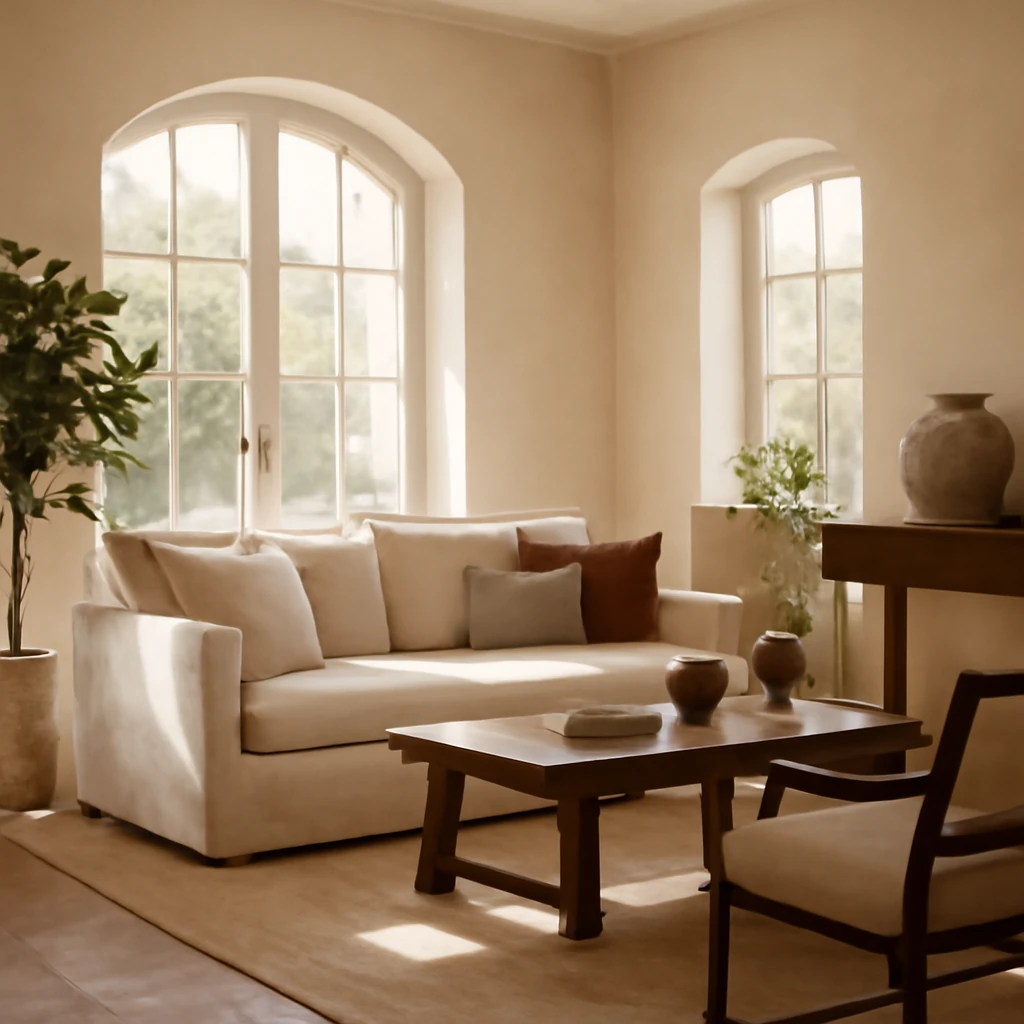
Italian Style Interiors: Warm Mediterranean Elegance for European Homes
Italian-inspired interiors blend warmth with timeless elegance across Europe.